Questions
What exactly is free, and what costs money?
The Revit add-in is free - all 12 file kinds, all 34 checks, all 92 tools, the stored audit history inside the model, the HTML/CSV health report, and sharing an audit as a link. No trial, no card, no feature is greyed out because you have not paid. The first time you open it you register with your email and confirm it with a 6-digit code; that is the whole sign-up.
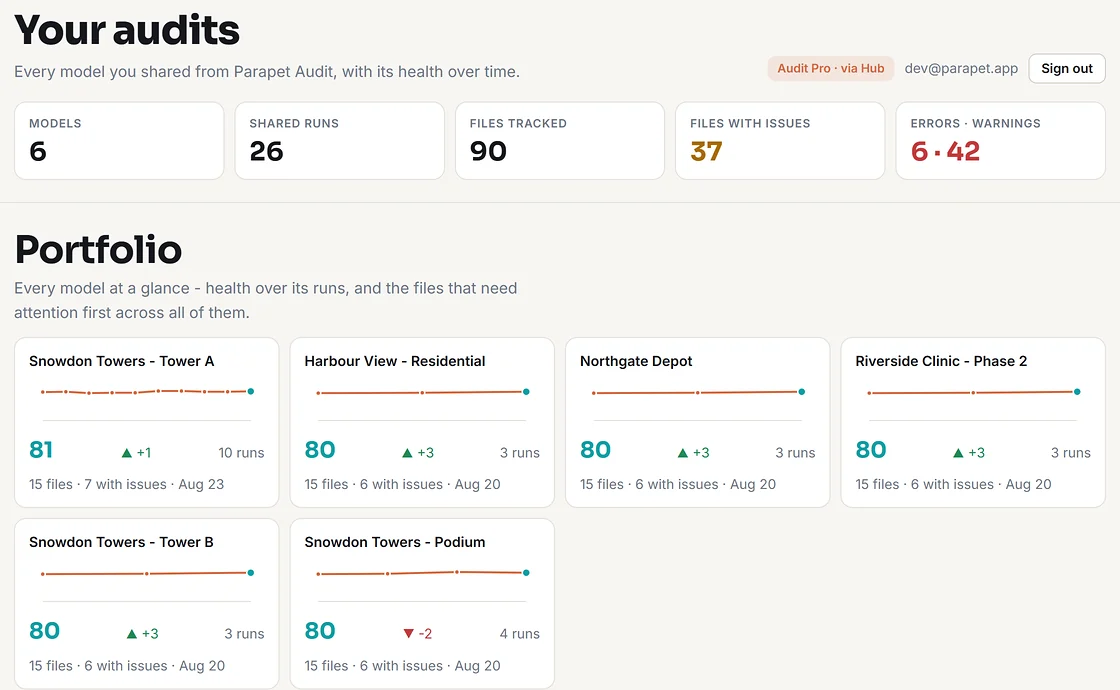
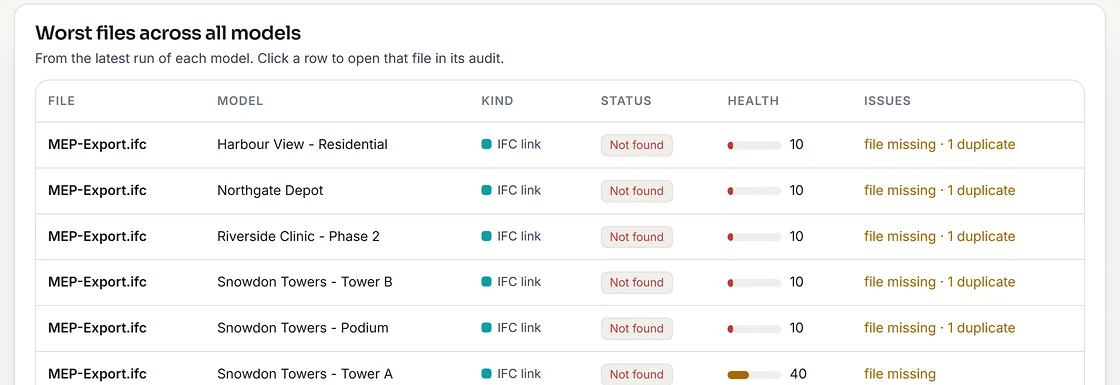
Audit Pro ($99/year) is the web side on parapet.app: the BIM QA Kit, every run kept instead of the last three, run-to-run comparison, private audits, notes and assignments, the portfolio dashboard, interactive 3D and CSV/JSON export. It is included with any Hub or Link subscription. See where the line is.
What is the BIM QA Kit?
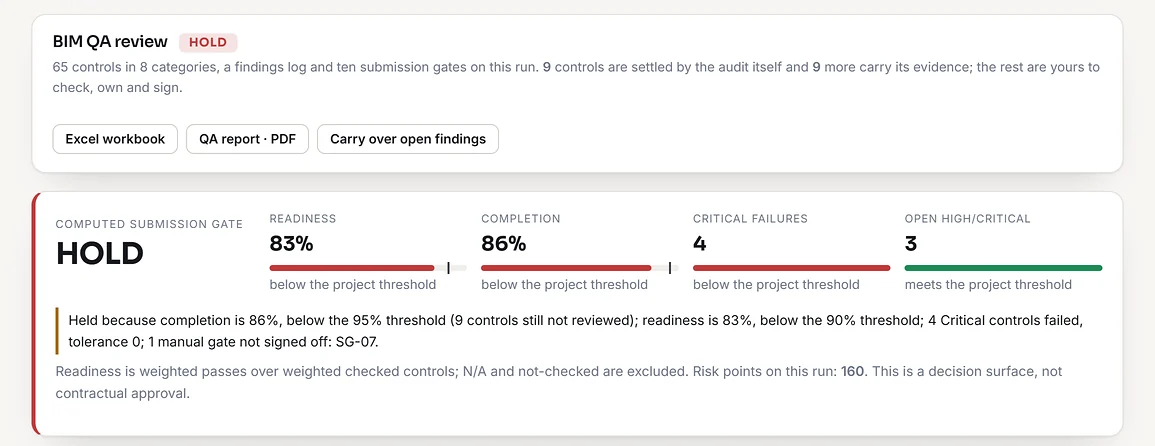
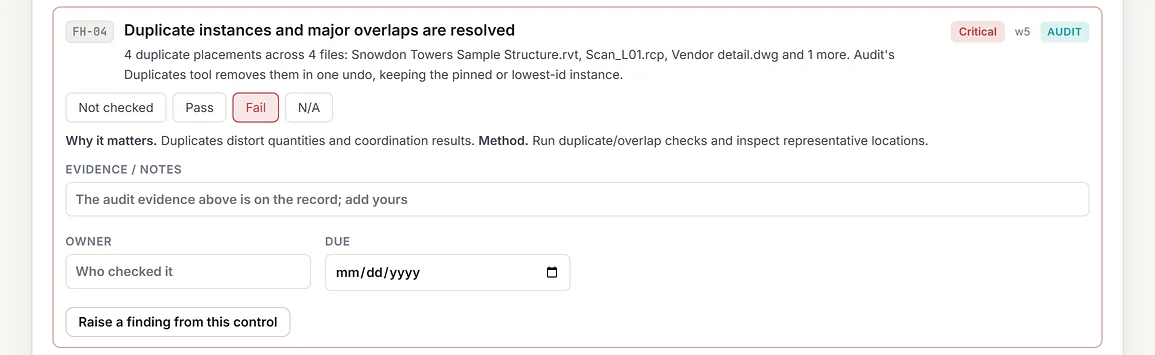
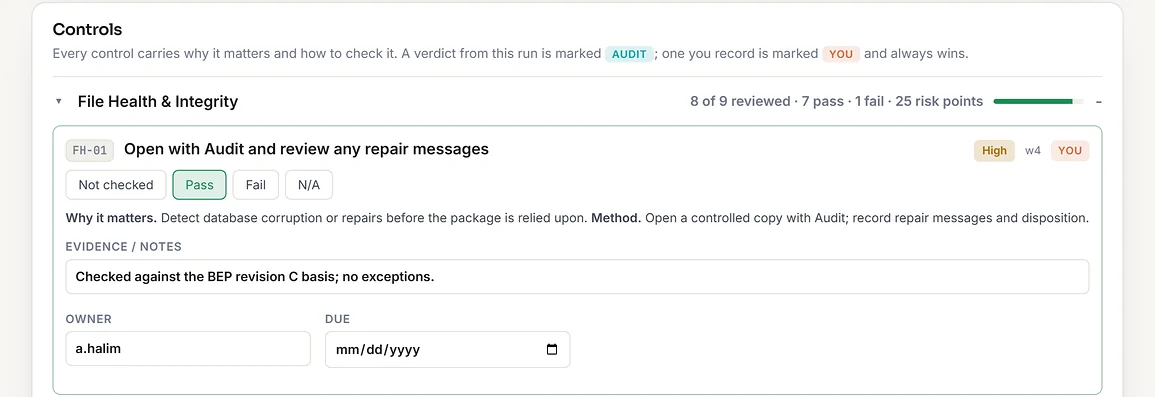
A structured model review that sits on top of a shared run: 65 controls in 8 categories (file health, project setup and coordinates, links and federation, naming and CDE readiness, information and parameters, spatial and geometric quality, views and deliverables, handover and interoperability), a findings log, and ten submission gates that produce a computed READY, READY WITH CONDITIONS or HOLD.
The run answers 44 of the 65 controls for you - a verdict where the model settles it, its evidence where the judgement is yours - because Audit now reads the whole model, not just the external files: it grades the model 0-100, normalises warnings per 1,000 elements, and checks rooms and spaces, views and sheets, classification and identity data, shared-parameter GUID conflicts, design options, purgeable content and project setup. Nothing is ever marked Pass because a tool could not look, and where you disagree with the automatic verdict, yours wins. Thresholds and severity weights are set once per model, so every run is judged on the same basis. Export the result as an Excel workbook or a PDF for the transmittal. Part of Audit Pro.
Does the QA Kit certify or approve my model?
No, and it is careful to say so. It is a decision surface: it records which controls were checked, by whom, on what evidence and when, then computes a gate from thresholds you set. Release is a person's decision - the tool captures who took it and why. Adapt the control catalogue to your appointment, EIR/BEP, stage and deliverable before relying on it.
Which file types does it find?
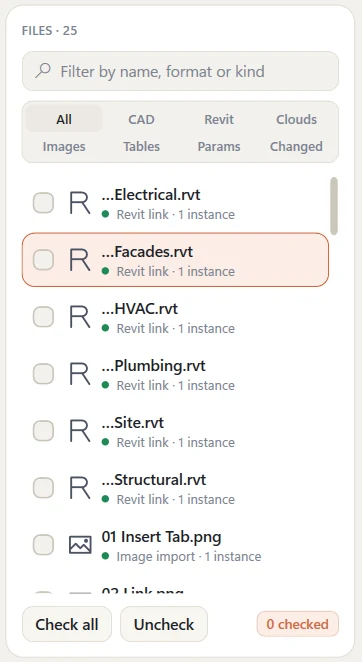
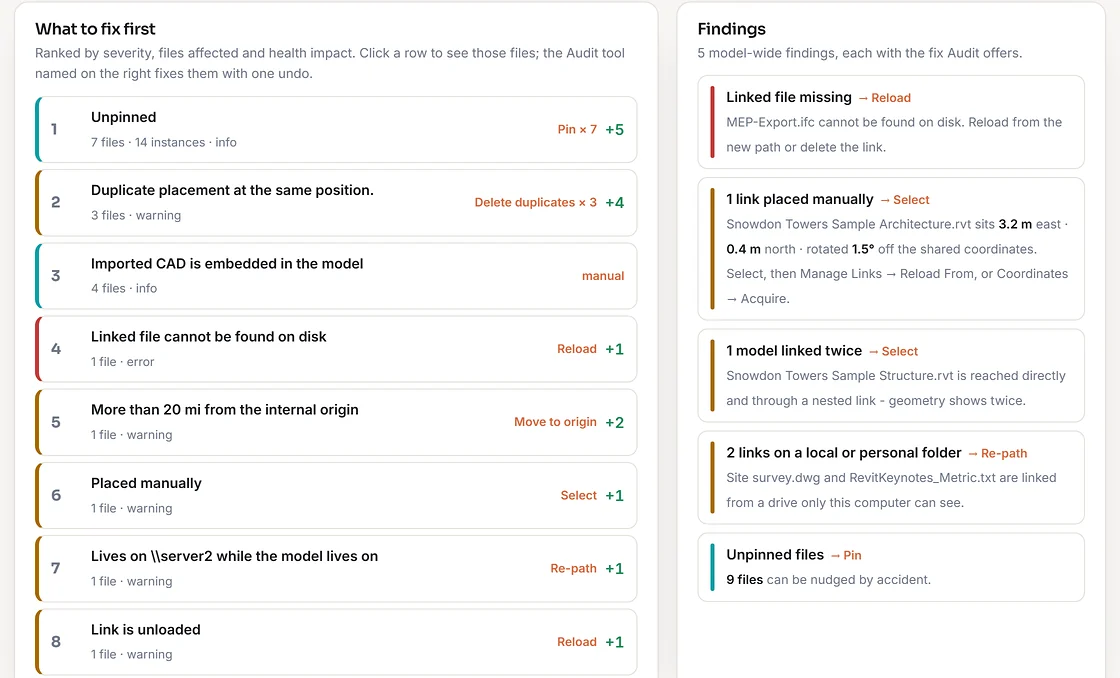
Everything Revit can import, link or attach: CAD imports and links (DWG, DXF, DGN, SAT, SKP, OBJ, STL, 3DM, FBX), Revit links including cloud models, IFC links, Navisworks coordination models (NWC, NWD), point clouds (RCP, RCS), raster images (PNG, JPG, BMP, TIF), PDF imports and links, decals, keynote tables, assembly code tables and DWF markups. It also lists every project and shared parameter in the model, plus the ones that exist only in your shared parameter file.
Does it work on large models?
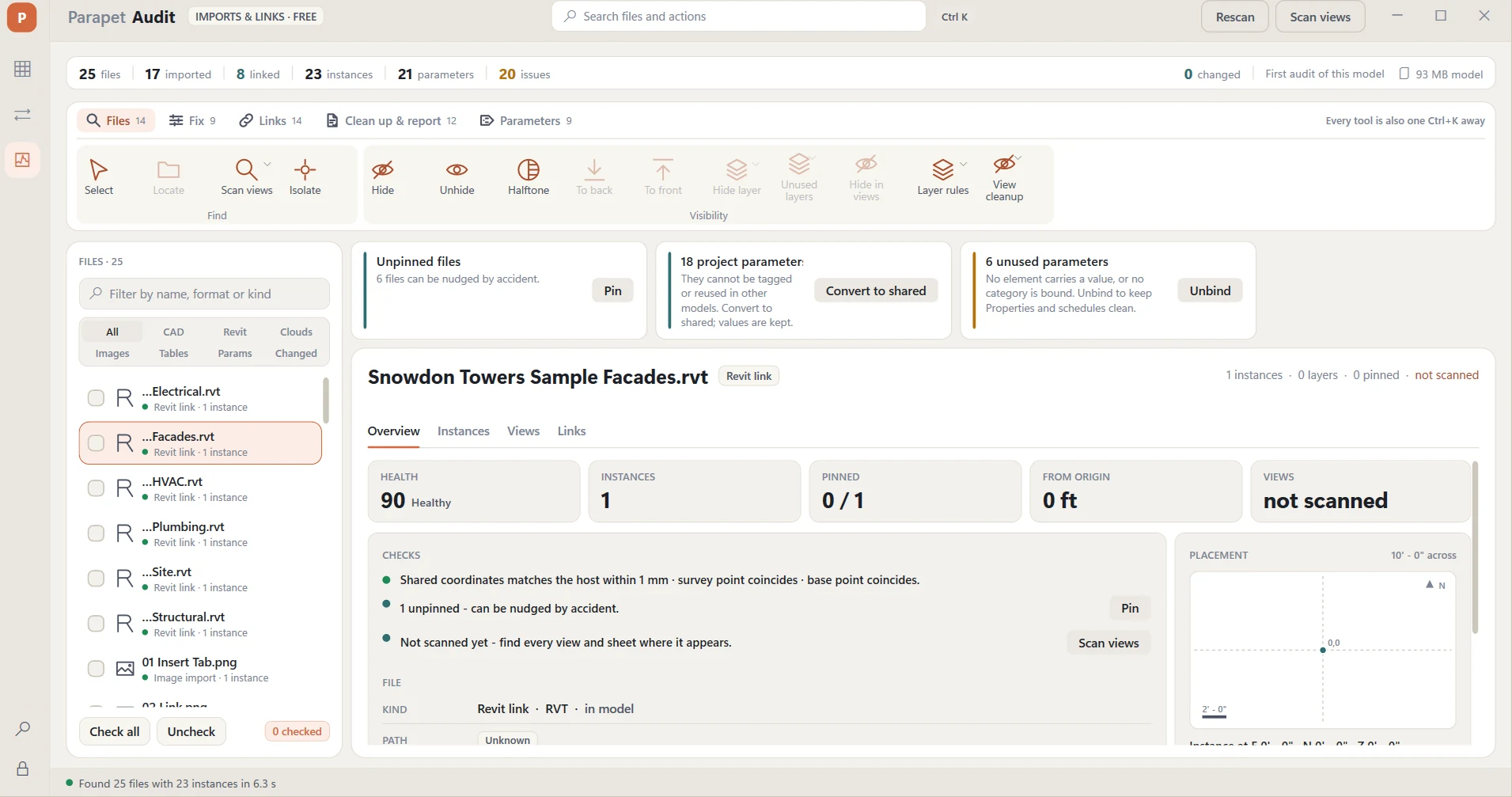
Yes. The window opens with the inventory already listed - the model in the screenshots on this page is 93 MB and took 6.3 seconds. The view-by-view usage scan runs only when you press Scan views, is read-only, and processes views in batches with a progress indicator, so a 400 MB model never freezes Revit.
Is it safe to delete things with it?
Every destructive tool shows a dry run first - the exact files, instances, ids and distances it will touch - and runs as a single Revit transaction. One Ctrl+Z reverts it. Nothing on disk is ever touched: even Delete only removes the reference from the model.
Can it fix shared coordinates?
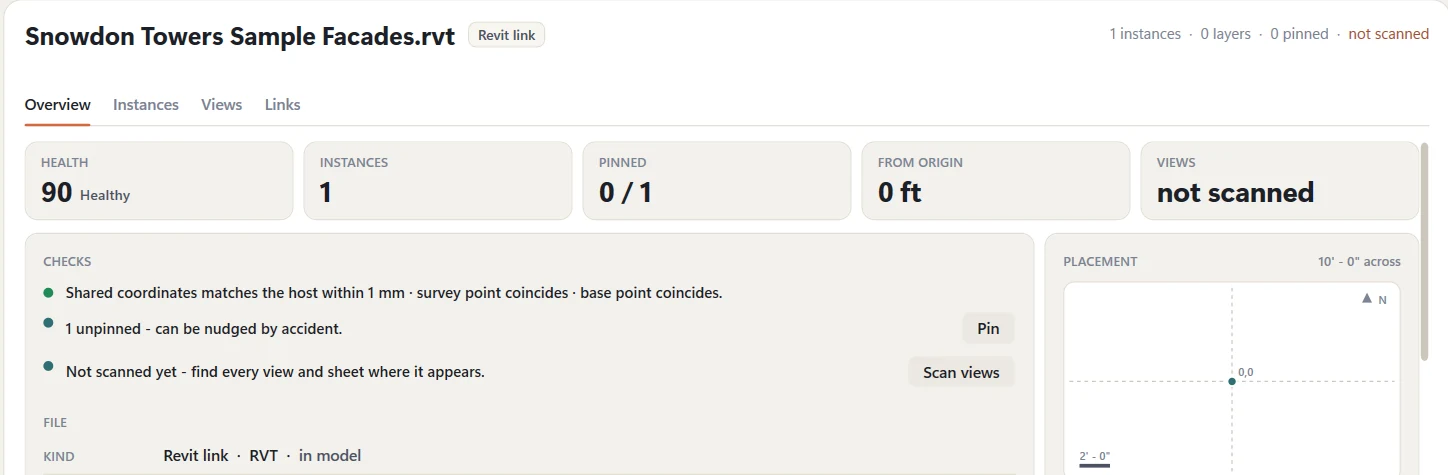
It checks them - every Revit and IFC link is compared with the host and you get the exact offset and rotation in your project units. Acquiring or publishing coordinates is not something Revit allows add-ins to do, so Audit selects the link and tells you which Manage Links command finishes the job.
The links moved to a new server. Can it fix them all at once?
Yes. Check the links, open Re-path, type the old root and the new one. The dry run lists every link with the path it would get and whether the file is actually there; nothing reloads until you confirm, and one undo reverts the lot. There is also Re-path by map for a CSV of old → new roots, and Reload from folder for a delivery folder.
Does it remember previous audits?
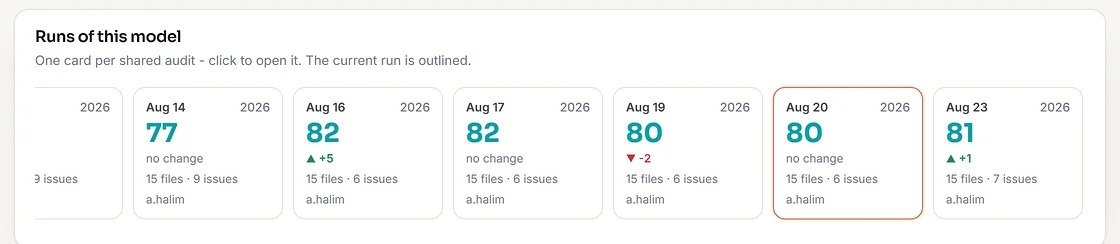
Yes. The last 12 audits are stored inside the model itself, so whoever opens Audit next sees what changed since the last run - new or removed files, changed paths, links that went missing, files that moved - with a Changed filter to list only those. That part is entirely offline; nothing is uploaded.
Can I share the results with people who do not have Revit?
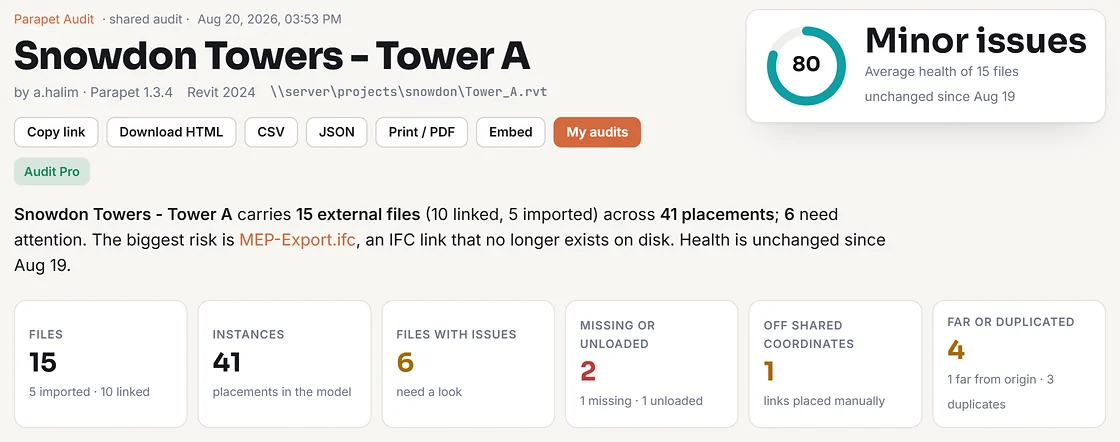
Yes, three ways. Share on parapet.app uploads the report and gives you a link anyone can open in a browser. Health report saves a self-contained HTML file plus a CSV. Copy table puts the file table on the clipboard for Excel or an email. The shared page also prints to a clean A4 and offers a health badge you can embed in a wiki.
What is Audit Pro?
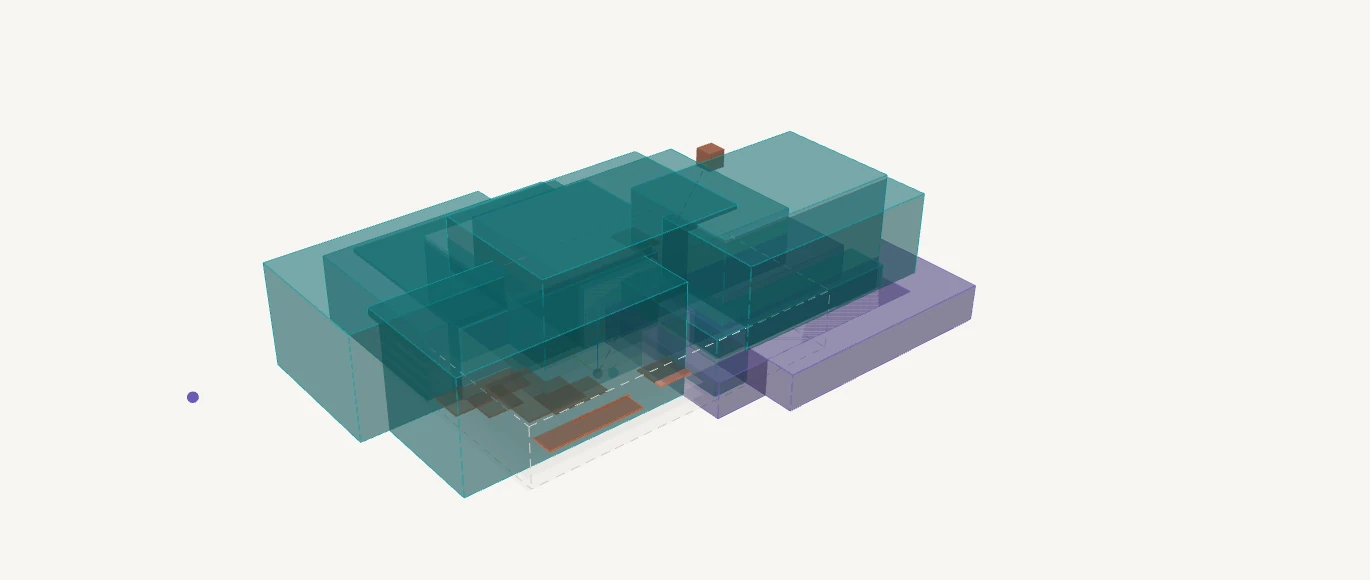
The web side of Audit. Free finds what is wrong: the checks, the findings, the shared report, the last 3 runs of each model. Audit Pro manages the resolution and proves the model is ready to submit: the BIM QA review on every shared run - 65 controls plus your own EIR/BEP rules, findings with owners and due dates, evidence, ten submission gates and a recorded go / hold decision, exported as a client-ready Excel workbook or A4 PDF. It also keeps every run, compares any two runs file by file, shows each file's history, exports CSV and JSON, adds notes and assignments, renames and merges models, makes audits private, shows where every placed file sits in 3D, and gives you the portfolio dashboard. $99/year, and included with any Hub or Link subscription. Nothing to enter in Revit: Pro follows the email you registered Audit with. Get Audit Pro.
What leaves my computer when I share?
Only what the report shows: file names, kinds, paths (or just file names if you choose), checks, counts, coordinates, nested links and the dots of the placement map; with "Include 3D placement" ticked, also one bounding box and the position of each placed file, the model's overall box and its level heights. Never the model, its geometry or its parameters. Sharing is off until you press Share, and you can delete a shared audit at any time from parapet.app/audits.
Can it turn CAD layers off, or turn an import into a link?
Both. The Layers tab lists every layer of a CAD file with what it carries and whether it is hidden in your view; Hide layer turns one layer off in every view, only where the file shows, or only here - through view templates when a view uses one. Import → link re-links a DWG or DXF import at the same position, scale and rotation, keeping pins, draw order, workset and hidden layers, and Link all imports does every one in a single run.
Does it audit parameters too?
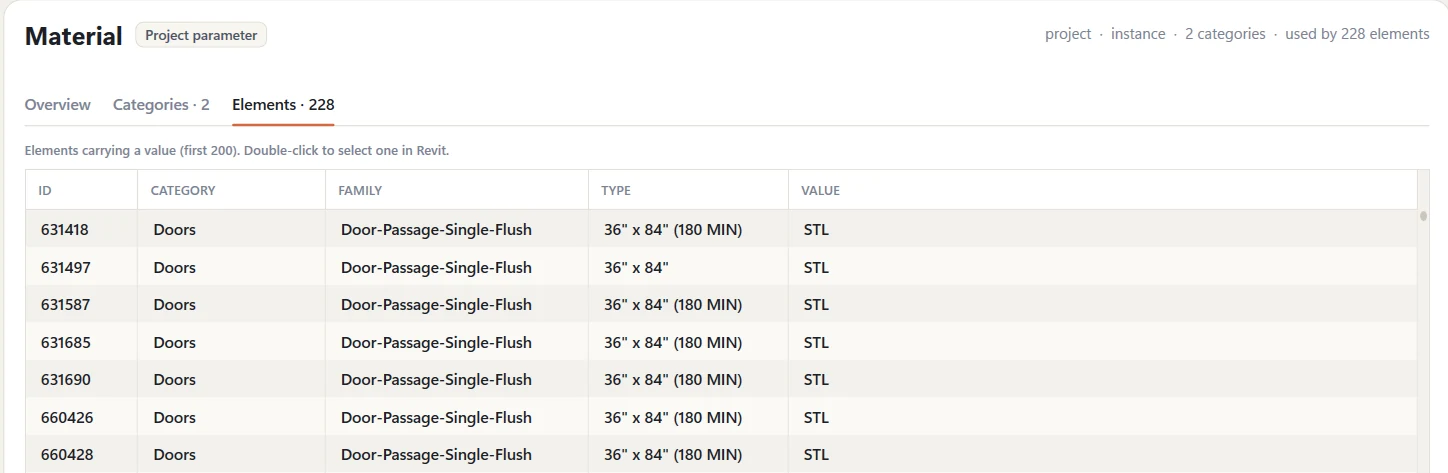
Yes. The Params segment lists every project and shared parameter in the model and every shared parameter that exists only in the shared parameter file - binding, data type, group, categories, how many elements carry a value, GUID, and whether it is in the file. Nine checks catch the classics. Convert to shared turns a project parameter into a shared one with every value kept; Add to file, Bind, Categories, Binding & group, Rename and Unbind do the rest in bulk, each with a dry run and one undo.
Can it audit a whole project folder?
Yes, and it does not have to open anything to do it. Audit a folder reads each .rvt straight from the file: every Revit, IFC, coordination and CAD link with its path and whether Revit could still find it, the keynote and assembly code tables, the worksets, the worksharing state, the Revit version it was saved in, and the project information. Hundreds of models in seconds, and Revit stays usable the whole time. Then you choose how far to go: stop there, open only the models that looked wrong, or open every one - read-only, workshared models detached, never saved. One CSV either way, and it names per model which parts a closed read could not answer, so a blank is never mistaken for a clean result. Warnings, element counts, families, parameters, views and sheets need the model open; the report says so rather than reporting a zero. Scheduled audit does the full audit for the model you are in, silently, every time it opens or after every sync.
Which Revit versions are supported?
Revit 2020, 2021, 2022, 2023, 2024, 2025, 2026 and 2027 on Windows 10 and 11. Per-user install, no admin rights required.
Does my model leave my computer?
No. Audit reads the open document through the Revit API and never uploads anything. The only thing we store is the email you register with - no model data, no file names, nothing from the project - unless you deliberately press Share.