Questions
Can I import Excel into Revit without an add-in?
Only indirectly - paste into a schedule or write a Dynamo graph. Revit has no native import of parameters from Excel.
Do I have to start from a spreadsheet?
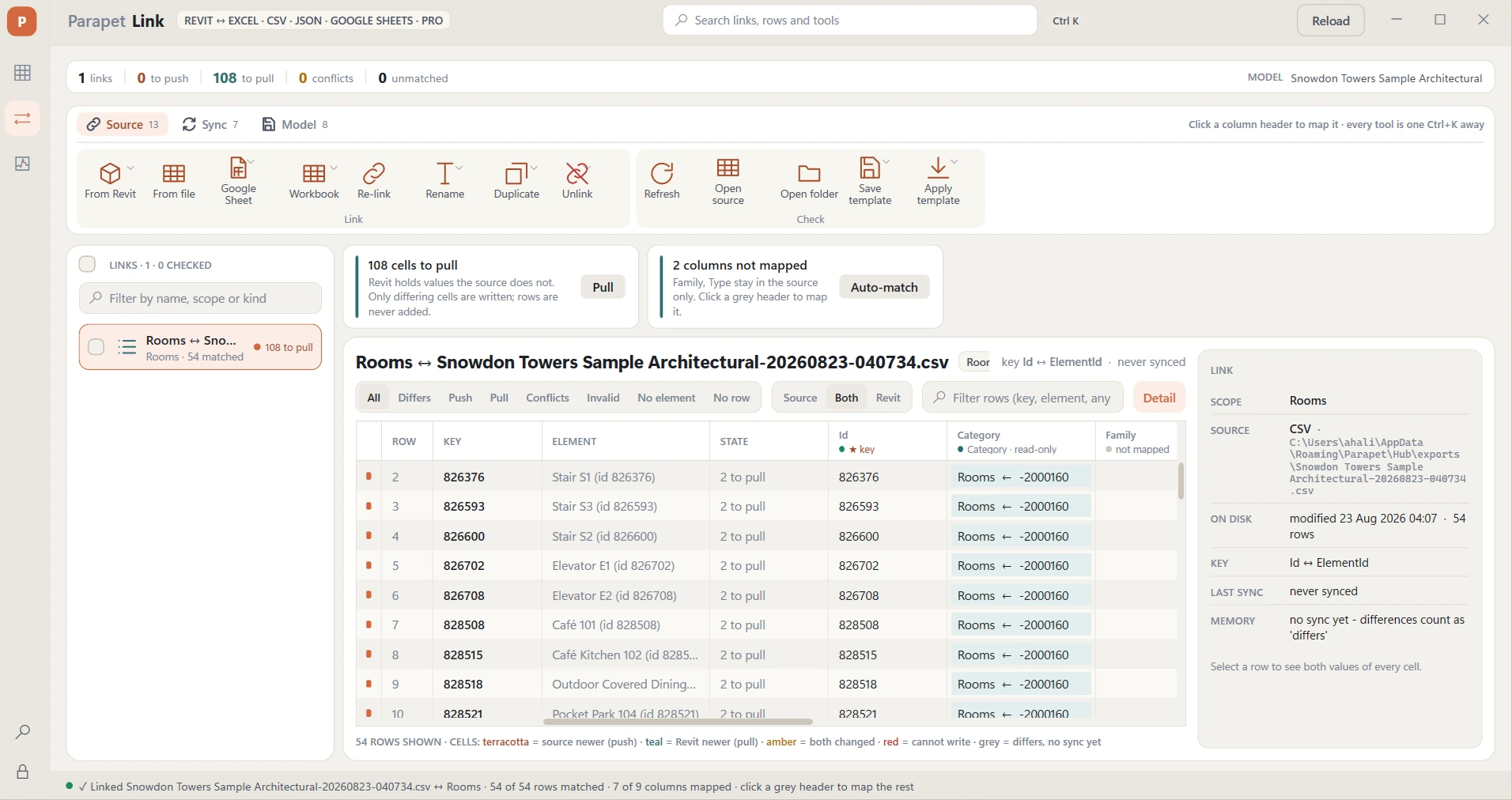
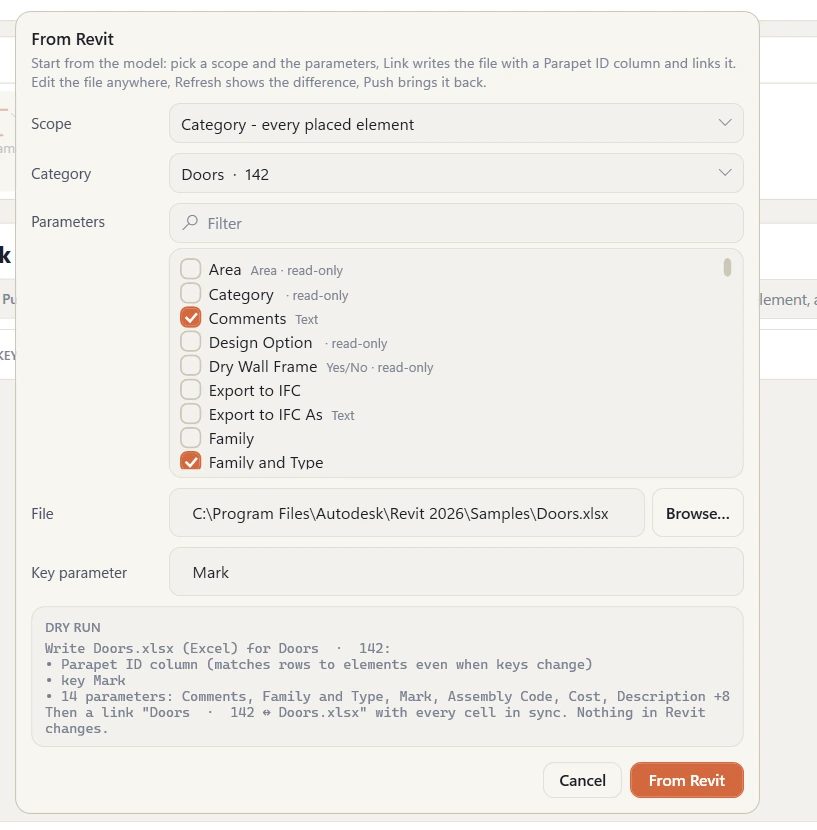
No. Most people start from Revit: pick a category, the types of a category, the current selection or a schedule, tick the parameters, and Link writes the file. It carries a Parapet ID column, so rows find their elements even when marks change. Someone edits the file; Refresh shows the difference; Push writes it back.
What happens when both sides change?
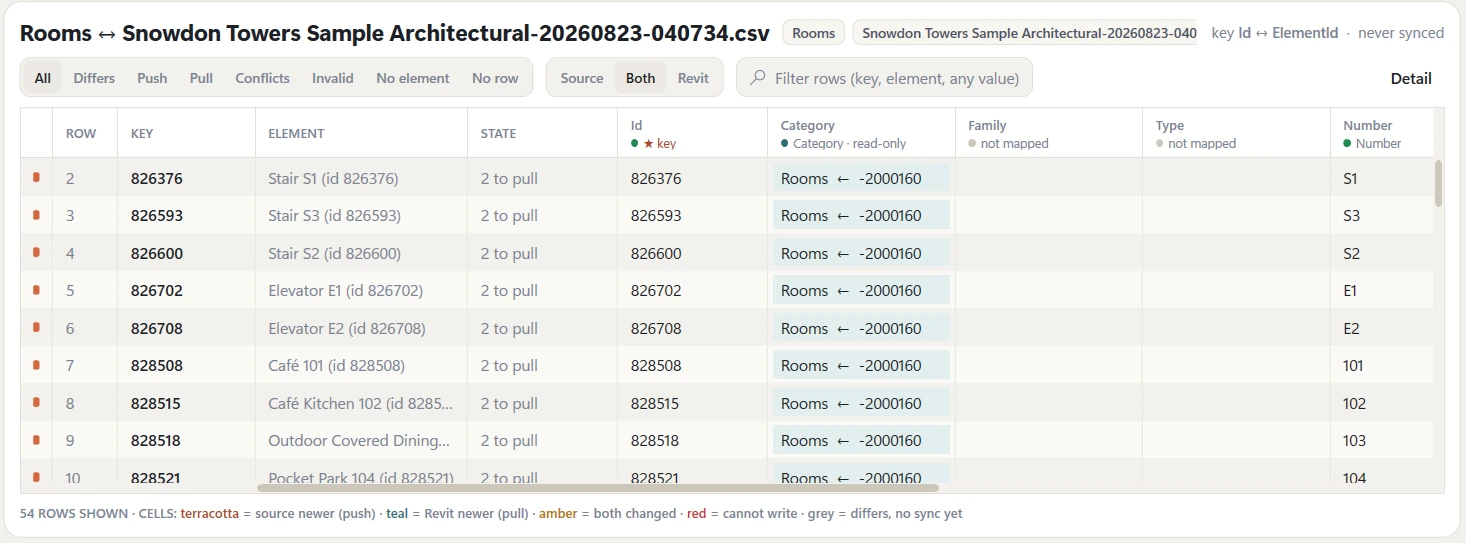
Link remembers what both sides agreed on at the last sync. A cell that only moved in the file is "to push", one that only moved in Revit is "to pull", one that moved on both sides is a conflict - amber in the grid, with both values in the detail panel. Resolve picks a side for the rows you choose; nothing else is touched.
Can Link write type parameters?
Yes. Click a column header and tick "type parameter", or link the types of a category directly. A type value is written once per type; the dry run says how many instances change, and two rows that give the same type different values are flagged before anything is written.
Which file formats can Parapet Link read?
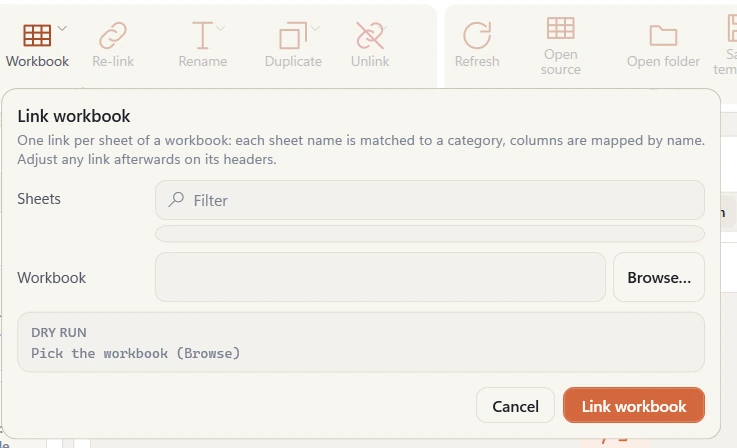
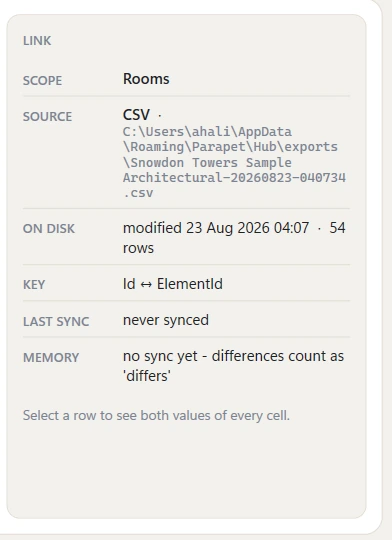
Excel workbooks (.xlsx, .xlsm and the older .xls), comma / semicolon / tab-delimited text (.csv, .tsv, .txt - delimiter and encoding are detected), JSON (an array of objects), XML (repeated row elements), Google Sheets and Parapet Sheets (tables hosted on parapet.app). Every format pushes into Revit; every format except .xls and .xml also takes values back with Pull - save an .xls as .xlsx and re-link to pull.
What is a Parapet Sheet?
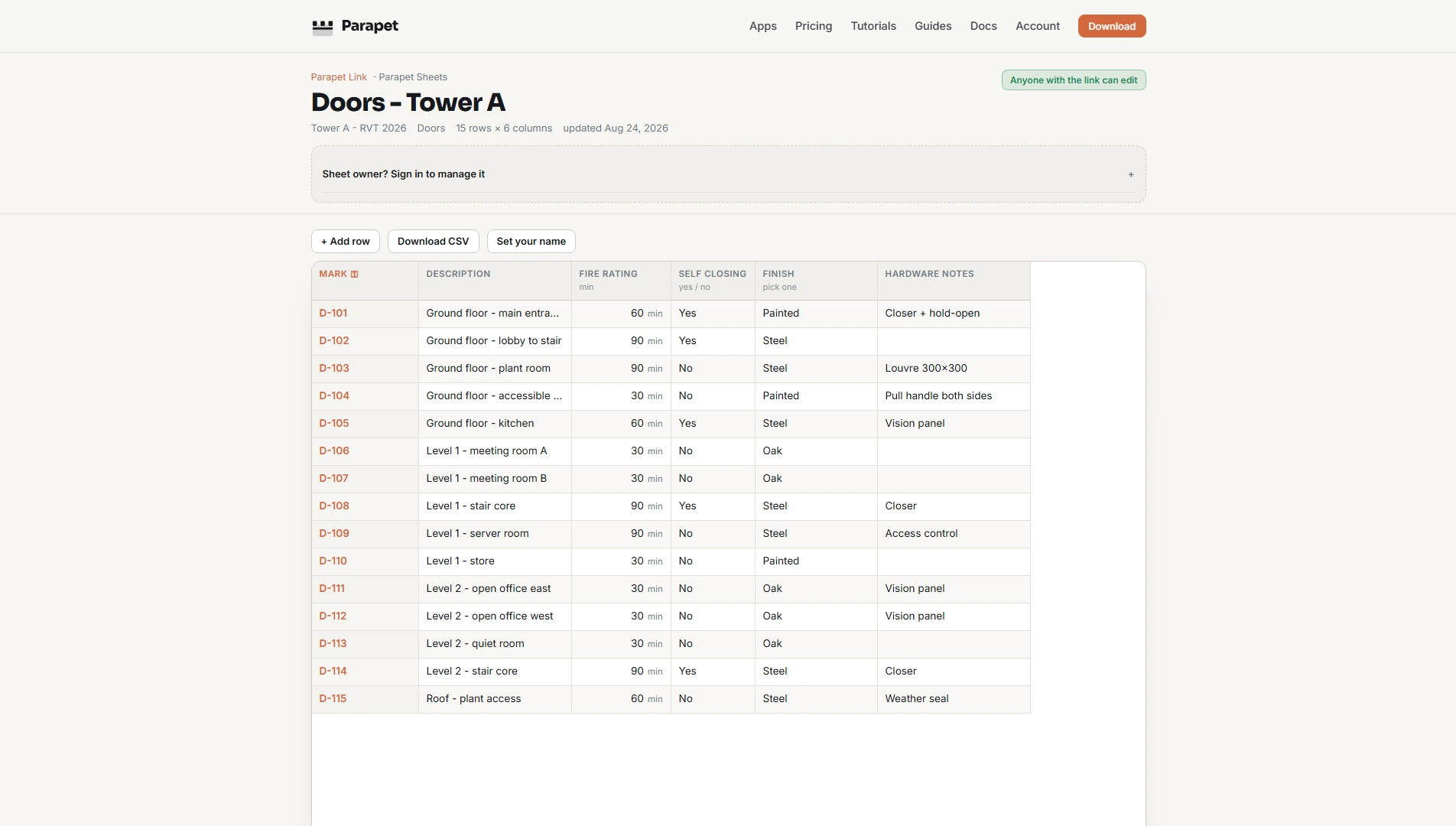
A table hosted on parapet.app that Link creates straight from Revit (To Parapet Sheet). You send the link; whoever opens it edits in the browser - no Excel, no account - with every column validated by its Revit parameter kind, every change named and kept in history, and locks or an edit key where you want them. Back in Revit it is just another source: Refresh, Push, Pull. Free hosts 1 sheet of 500 rows; Parapet Sheets - included with Link raises that to 100 sheets with full history.
What does Link do for elements that are not in the spreadsheet?
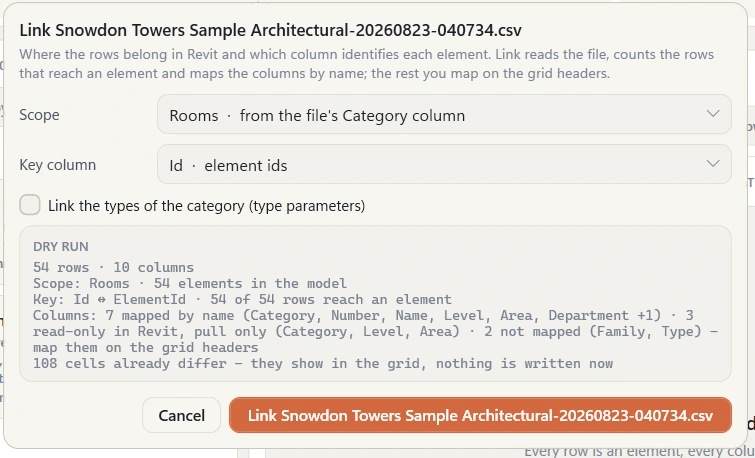
Validation counts them (NO ROW in the grid filters). No row picks them in Revit, Color by state paints them in the active view, and Write keys gives numbered keys to elements that have none so a consultant can add their rows.
Can I review changes before they reach Revit?
Yes - turn on Approve edits first on any Parapet Sheet (in the browser owner bar or on the sheets dashboard). From then on, edits by anyone else land as amber proposals: approve or reject them per cell, row, column or all at once, in the browser or with Link's Approve tool. Nothing unreviewed can ever be pushed into the model, and approved changes keep their proposer's name in the per-cell history.
Does Parapet Link work with Google Sheets?
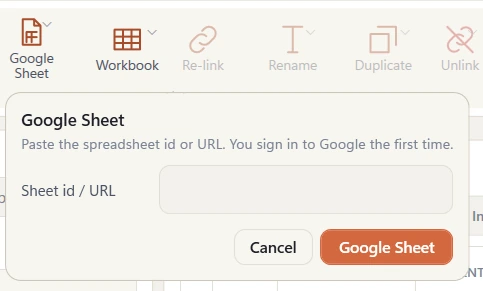
Yes. Paste the sheet's URL, sign in with your Google account the first time; any sheet you can open can be linked, pushed to and pulled from. The data moves directly between your PC and Google under your own account.
What happens to rows whose element is not in the model?
They are flagged in validation and skipped; rows are never added to the model silently, and the log lists every skipped row.
How much does Parapet Link cost?
$129/year after a 14-day free trial with no card - or $249/year for Parapet Pro, which adds Hub, Audit Pro, Parapet Desktop Pro and Parapet Scan for Revit Pro; 2 computers per subscription.
Read the guide: linking Excel, CSV and Google Sheets to Revit · Parapet Link vs Ideate BIMLink.